BD222 Help FAQ
You’re after quick, friendly answers about your BD222 account, how to add funds, move funds to your bank, and how promotions work. The BD222 Help FAQ is here to clear things up fast so you can get back to the fun.
Download BD222 APK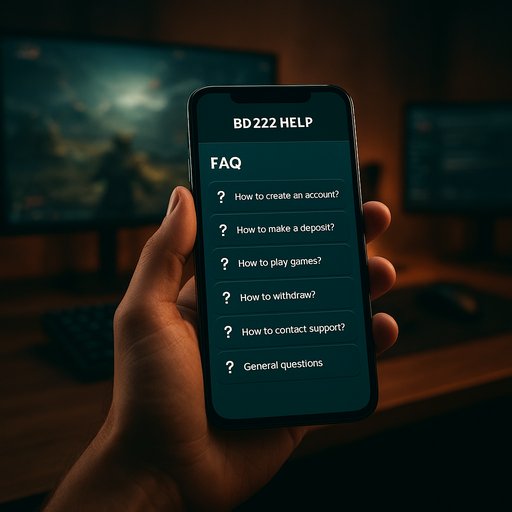
BD222 FAQ Overview
In this quick guide, you’ll find practical answers about how to manage your BD222 account, add funds, move funds out, and understand current offers. It’s written for real people in Bangladesh, with tips you can use today. If you’re short on time, jump to the sections you care about and come back later for details.
How do I access my BD222 account?
Open the BD222 App or website, enter your registered email and password. If you enable two‑step verification, you’ll add an extra layer of security. For a faster start, you can visit the BD222 Login page for a guided setup.
How can I add funds to my BD222 balance?
Choose a funding method available in Bangladesh. Options like mobile money and local transfers are supported. Follow the on‑screen steps to complete the transfer and see the updated balance. Local options such as BD222 App make this quick on Dhaka networks.
How do I move funds out to my bank or wallet?
From your BD222 account, pick Transfers or Funding History, select a bank or wallet, and confirm the recipient. Transfers usually arrive within minutes, and you’ll see the latest activity in your account history.
Are there any country rules I should know in Bangladesh?
Some methods work best near Dhaka or in urban areas. Check the Funding Options page for locally supported methods like bKash, Nagad, and Rocket, plus standard bank transfers.
How can I view current promotions or offers?
Visit the Promotions section in the BD222 App to see active offers. Tap a promotion to learn eligibility, how to claim it, and any time limits.
What verification steps should I complete for full access?
Provide a valid email and verification documents if requested. Keeping your contact details current speeds up verification and helps protect your account.
Is my data safe on BD222?
BD222 uses encryption and secure sessions. Use a strong password and enable two‑factor authentication for extra protection.
Who can I contact for help with my BD222 account?
Go to the Support or Contact page to reach our team. Expect a reply within 24–48 hours on business days.
BD222 Funding Options
Adding funds is fast with locally popular methods. If you’re in Dhaka or anywhere in Bangladesh, you’ll see options that fit your daily routine. Most methods work on mobile networks, so you can top up during a commute or at home.
-
bKash — quick, widely used mobile money in Bangladesh. Easy to load from your BD222 account hub.
-
Nagad — popular mobile wallet for instant top ups. Ideal for Dhaka residents on the go.
-
Rocket — local transfer option that pairs well with BD222 for fast funding.
-
Bank transfer — convenient for larger amounts or if you prefer traditional methods.
For best results, pair your method with a verified BD222 account. You can read more about BD222 Login to verify your setup, or explore the BD222 App for streamlined funding on mobile.
BD222 Promotions & Offers
Promotions bring extra value through time‑limited opportunities. Always check the Promotions area for eligible campaigns and eligibility steps. Participating is straightforward, and the gains align with your activity points and app progress.
-
Limited‑time offers offer extra value for completing simple tasks within the app.
-
Seasonal campaigns run around holidays and local events in Bangladesh.
-
Bonuses and credits come as extra app credits to explore more features.
To stay updated, sign in daily and visit the promotions page. Learn how BD222 App keeps you in the loop with fresh offers and smart add‑on options.
BD222 How It Works
Getting started is simple. You set up an account, choose a funding path, and begin exploring games and features. The flow is designed for speed and clarity, whether you’re in Dhaka or nearby.
-
Step 1: Create or log in to your BD222 account.
-
Step 2: Pick a funding path and add funds securely.
-
Step 3: Open games, track progress, and enjoy promotions.
-
Step 4: Withdraw or transfer funds to your bank or wallet when needed.
Stay connected with the BD222 Help FAQ for tips on security and account management. You can also check the BD222 Login guide to speed up access in busy hours.